- job ticket
- section
- ai writing
- slug
- mark-up-an-ai-draft
- checked
- editor
- Nora Feld
How to Edit AI Writing: Mark Up the Whole Draft First, Then Revise
An AI draft fails in patterns, not in single sentences. Mark the patterns across the whole page first, and the edit becomes a list of jobs instead of a fight with every line.
in short
To edit AI writing, read the whole draft once and mark it before changing anything: claims to check, stock phrasing, repeated sentence patterns, vague attributions and the parts worth keeping. Then revise in order: fix the argument and facts, restructure, rewrite marked sentences in your own words, and proofread last.
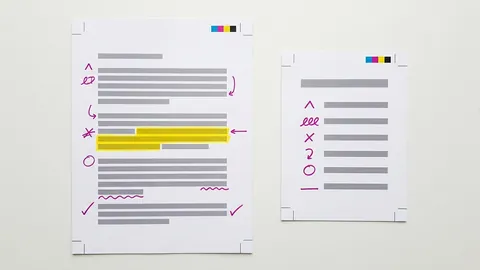
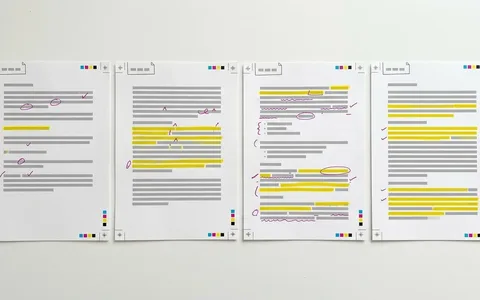
Most advice on how to edit AI writing starts at the first sentence and works down, fixing as it goes. That is the slow way. A chatbot draft repeats the same few habits from top to bottom, so line-by-line fixing means solving one problem forty times and missing the ones that only show at the scale of the page. This guide splits the job in two. First you mark up the whole draft with a small color key, without changing a word. Then you revise in a fixed order, biggest problems first, using the marks as your list.
Why mark the draft before you edit it
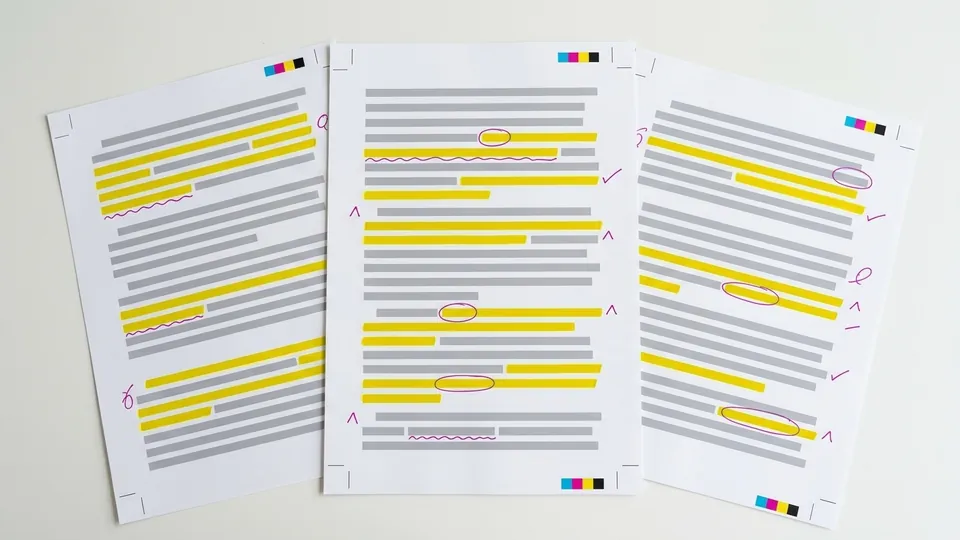
Mark the patterns once. Fix them once.
AI-assisted text is now ordinary, so this is a common job. In a study of more than 15 million biomedical abstracts indexed by PubMed, Kobak and colleagues tracked sudden jumps in the frequency of certain style words after chatbots arrived and estimated that at least 13.5% of 2024 abstracts were processed with a large language model. They describe that figure as a lower bound, which differed across disciplines, countries and journals and reached 40% for some subcorpora. Writers using these tools for drafts are not rare cases.
Editing guides already separate the stages. The University of North Carolina Writing Center's handout on revising drafts distinguishes revision (rethinking the argument, evidence and organization) from editing (rewording) and from proofreading (commas and spelling), and warns that proofreading a weak paper is a bandage on a much bigger wound. An AI draft tempts you to skip straight to rewording because the sentences already look finished. Marking first stops that: you see where the real problems are before you spend effort on surface polish.
A five-color mark key for AI drafts
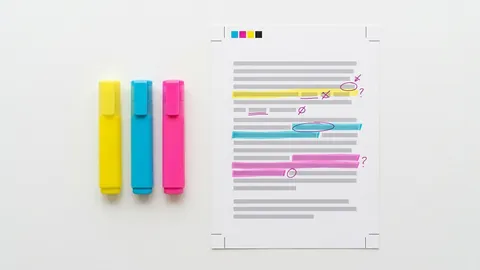
Use any five colors you can tell apart, on paper or in a document's highlight tool. The key below works because each color leads to a different kind of fix. If you already use a system, adapt it; this guide to building a highlighter color code covers how to keep one consistent.
| Mark | What it flags | Example from a draft | What you do later |
|---|---|---|---|
| Yellow | A factual claim, figure, date, name or quotation | "Studies show remote workers are 20% more productive." | Find the source or cut the claim |
| Pink | Stock phrasing: inflated words, filler openers, significance talk | "plays a vital role in shaping the future" | Replace with the plain, specific thing |
| Blue | A repeated sentence shape across the page | Three sentences in a row ending in an -ing phrase | Restructure; vary the shape |
| Underline | A vague attribution with no named source | "Experts agree", "many observers note" | Name who said it, or drop the attribution |
| Green | Your own idea, a strong sentence, a detail only you know | A sentence about your own data or reading | Keep, and build the revision around it |
For the pink and blue marks, it helps to know what to look for. Wikipedia editors maintain a field guide to signs of AI writing that names recurring patterns, including undue emphasis on significance and legacy, the rule of three, negative parallelisms such as not X, but Y, and avoidance of plain is and are. The page itself says these are potential signs of a problem, not proof. For a longer list of vocabulary, see the table of AI buzzwords and stock phrases worth marking.
How to edit AI writing in five passes
Do the first pass in one sitting with nothing but highlighters. The rest can be spread over several sessions, which the UNC handout recommends anyway: two or three areas of focus per session, not everything at once.
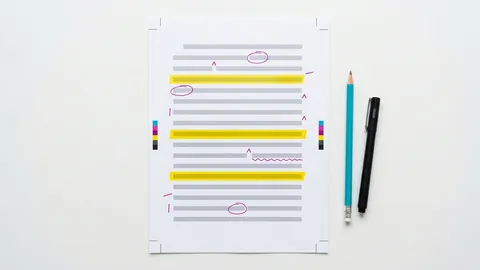
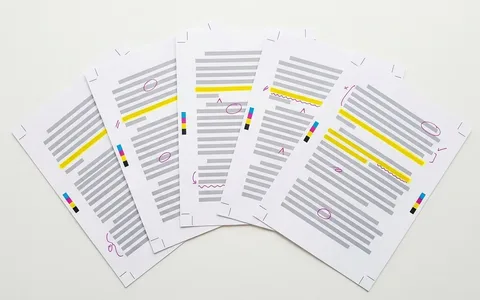
Mark the whole draft without editing
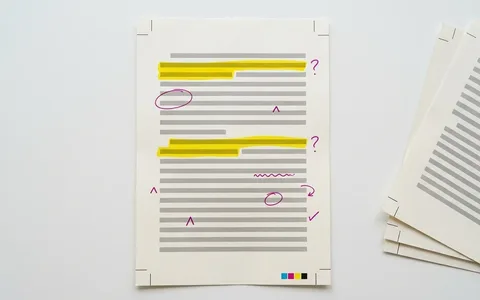
Read from start to finish once, applying the five colors. Do not fix anything, even typos. If a paragraph has no green at all, write a question mark in the margin: it may have nothing of yours in it.
Check every yellow mark
Open the source for each claim, or search for one. Mark the exact line in the source and note it beside the claim. A citation in a chatbot draft is a lead to open, not a confirmation. The method is in the guide to annotating sources to verify claims.
Fix the argument and structure
Look at the page as a whole. Is the main point stated, and is it one you agree with? Are sections in an order you would choose? Reorder, cut or add here, before sentence work, because some sentences you would otherwise polish will disappear.
Rewrite the pink, blue and underlined passages
Work color by color, not line by line. Do every pink phrase in one sweep, then every blue pattern, then every vague attribution. Fixing one habit at a time is faster and keeps the voice consistent. Rewriting a marked passage in your own voice walks through the sentence-level moves.
Proofread last
Only when the content is settled, read for spelling, punctuation and grammar. Change the font or print it out so the text looks unfamiliar, a trick the UNC Writing Center's editing and proofreading handout suggests. If you are marking paper, use standard proofreading marks so anyone can read your corrections.
A worked example: one paragraph, marked and revised
Here is a sample paragraph of the kind a chatbot produces when asked for an essay opening on remote work. It is an example written for this page, not a real student's text.
The marks, applied with the key above:
- Pink: fundamentally transformed the modern workplace; embrace innovation, adaptability and resilience to thrive. Both are big claims made in general words.
- Blue: the -ing tail in the first sentence (reshaping ... highlighting ...), the not just X, but Y line, and the list of three abstract nouns at the end.
- Yellow: 20% more productive. Which study, of whom, measured how?
- Underline: Experts agree. Which experts?
- Green: nothing. The paragraph has no idea in it that belongs to the writer, which is the most useful thing the marks reveal.
The revision starts from the missing green. Suppose the writer's actual point is narrower: their own team stopped holding daily meetings after going remote and replaced them with a shared written log. The revised opening, also an example:
The unsourced statistic is gone because the writer could not find its origin. The vague experts are gone. The rest is shorter, specific and arguable, which is what an opening should be.
Where an AI humanizer or detector fits
Some writers run a marked draft through a rewriting tool after the content is fixed, to loosen stiff phrasing before their own final read. Walter Writes AI is one such tool: an AI humanizer with a built-in AI detector that supports over 80 languages, with voice matching included in every plan. Treat any tool's output as another draft to mark up, not a finished text. It cannot check your yellow marks, it does not know your green ones, and no detector, including Walter's, can guarantee 100% accuracy. Different detectors also disagree with one another about the same paragraph.
Pitfalls when editing an AI draft
- Editing while you mark. The moment you start rewriting, you stop seeing patterns. Keep the first pass hands-off.
- Swapping words one for one. Replacing a pink word with a synonym keeps the sentence shape that made it sound generated. Rewrite the sentence, not the word.
- Trusting citations because they look complete. Author, year and journal can all be invented. Open each one.
- Treating a list of signs as proof. The Wikipedia guide is explicit that its patterns are signs, not rules. Humans write in threes too.
Tips from editing practice
- Print the draft. Patterns that hide on a screen show up on paper, a point the UNC revising handout makes for all drafts.
- Count your green. A paragraph with no green marks is a paragraph to rewrite from scratch, not to edit.
- Read out loud for the blue marks. Repeated sentence shapes are easier to hear than to see.
- Keep the marked copy. The marked page, your source notes and the revision together show how the final text came to be. The AI writing guides have more on keeping that record.
Knowing how to edit AI writing comes down to order. Mark the whole draft first, in a key where every color means one job. Check the claims, fix the structure, rewrite by pattern rather than by line, and proofread at the end. The marks do the diagnosis, so the editing becomes a list you can finish, and the green ones tell you what the piece is really about. When the marks call for heavier rewriting than you have time for, our comparison of AI humanizers sets out which tools keep a writer's voice and how long a passage each accepts.
Common questions
How do I edit an essay written with ChatGPT?
Mark the whole essay before you change anything: highlight factual claims, stock phrasing, repeated sentence shapes, vague attributions and any idea that is genuinely yours. Then check every claim against a real source, fix the argument and structure, rewrite the marked passages around your own ideas, and proofread last. Follow your course's rules on AI use and disclosure throughout.
What is the difference between revising and editing AI writing?
Revising changes what the draft says and how it is organized: the argument, the evidence, the order of sections. Editing changes how sentences are worded. The UNC Writing Center treats them as separate stages, with proofreading after both. For AI drafts, revision matters more, because the sentences usually look finished while the content is generic or unsupported.
Which colors should I use to mark an AI draft?
Any five you can distinguish. What matters is that each color means one kind of fix: claims to verify, stock phrasing, repeated structure, vague attribution and material to keep. Write the key at the top of the page so you, or anyone reviewing the draft, can read the marks later without guessing.
Can I just run AI text through a humanizer instead of editing it?
A humanizer changes wording, but it cannot verify facts, restore your argument or add what only you know. Use one, if at all, after the content is fixed, and read the result as a new draft. Detectors disagree with each other and none is 100% accurate, so passing one says little about quality.
How long does it take to edit an AI draft properly?
The marking pass is the quick part; give it a fixed limit, such as fifteen minutes for two pages. Checking claims takes longest, since each one means finding and reading a source. Restructuring and rewriting depend on how much of the draft you keep. Writing centers advise spreading it over two or three sessions.
Should I tell my teacher I edited an AI draft?
Follow your instructor's or institution's policy, which decides what is allowed and how to disclose it. Where disclosure is expected, describe what the tool did and what you did. The guide to disclosing AI help in your writing covers wording for common cases.
Sources
- Kobak, D., González-Márquez, R., Horvát, E.-Á., and Lause, J. (2025). Delving into LLM-assisted writing in biomedical publications through excess vocabulary. arXiv:2406.07016 (Science Advances)
- The Writing Center, University of North Carolina at Chapel Hill: Revising Drafts
- The Writing Center, University of North Carolina at Chapel Hill: Editing and Proofreading
- Wikipedia: Signs of AI writing (WikiProject AI Cleanup field guide)
sign-off
Checked against its sources and signed before it went out.
Nora Feld
Editor · reviewed 1 Nov 2026